A catalog that feels like your store
Show product photos, prices, availability, and your store identity together. Customers can browse your selection before placing an order.
The platform guide
wallmarkets gives sellers, suppliers, and supermarkets one system: an online store your customers order from, and the delivery, stock, and partner tools that run behind it.
01 / Your online store
Bring your products, checkout, and order tracking together in a storefront you can share.
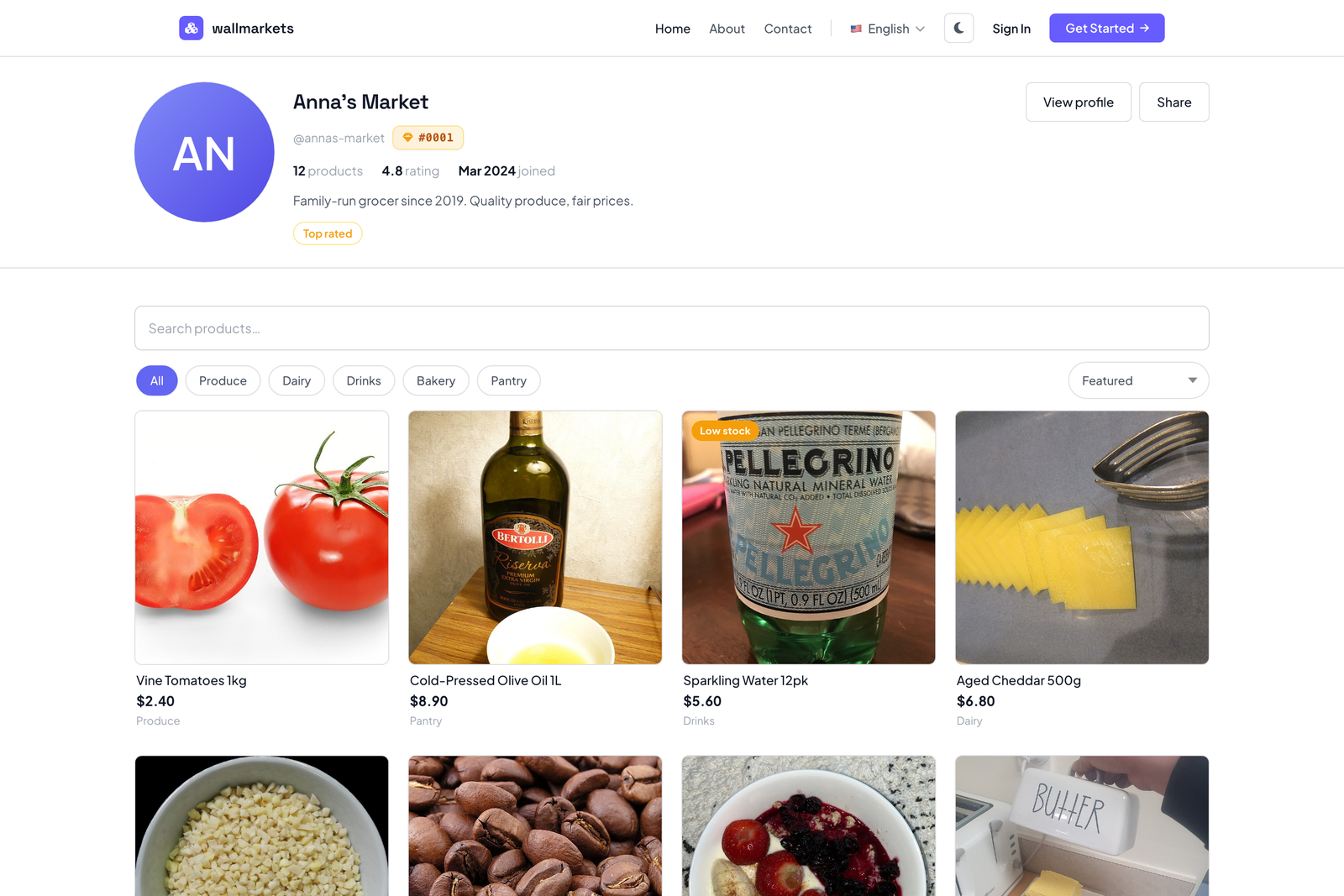
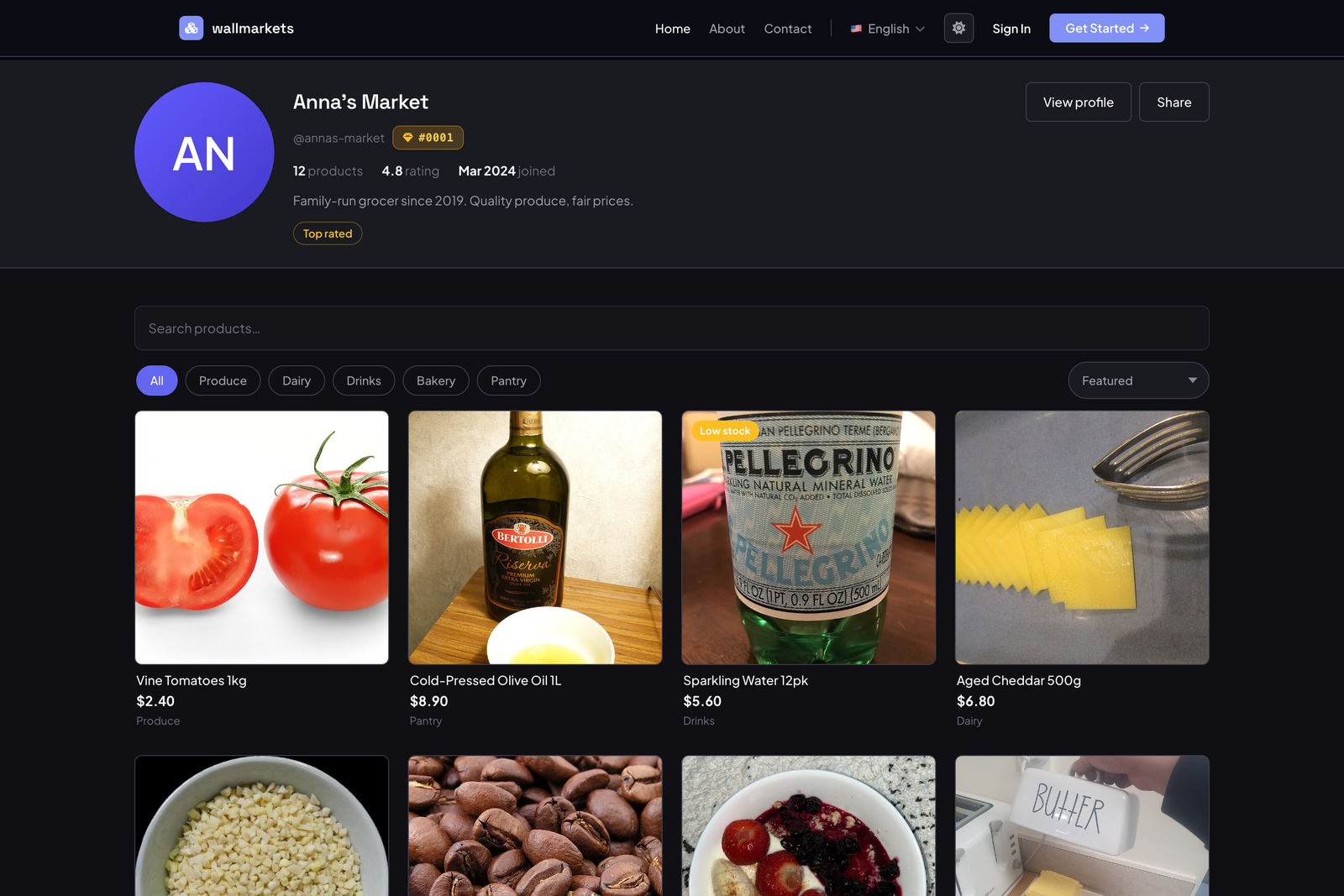
Show product photos, prices, availability, and your store identity together. Customers can browse your selection before placing an order.
The cart becomes a record of the products, quantities, value, and customer context your team needs to fulfill the order.
Customers can follow their order from the storefront while your team updates delivery progress in the same system.
02 / Your daily operations
Once orders come in, your team needs to know what to prepare, what is on the way, and what needs attention.
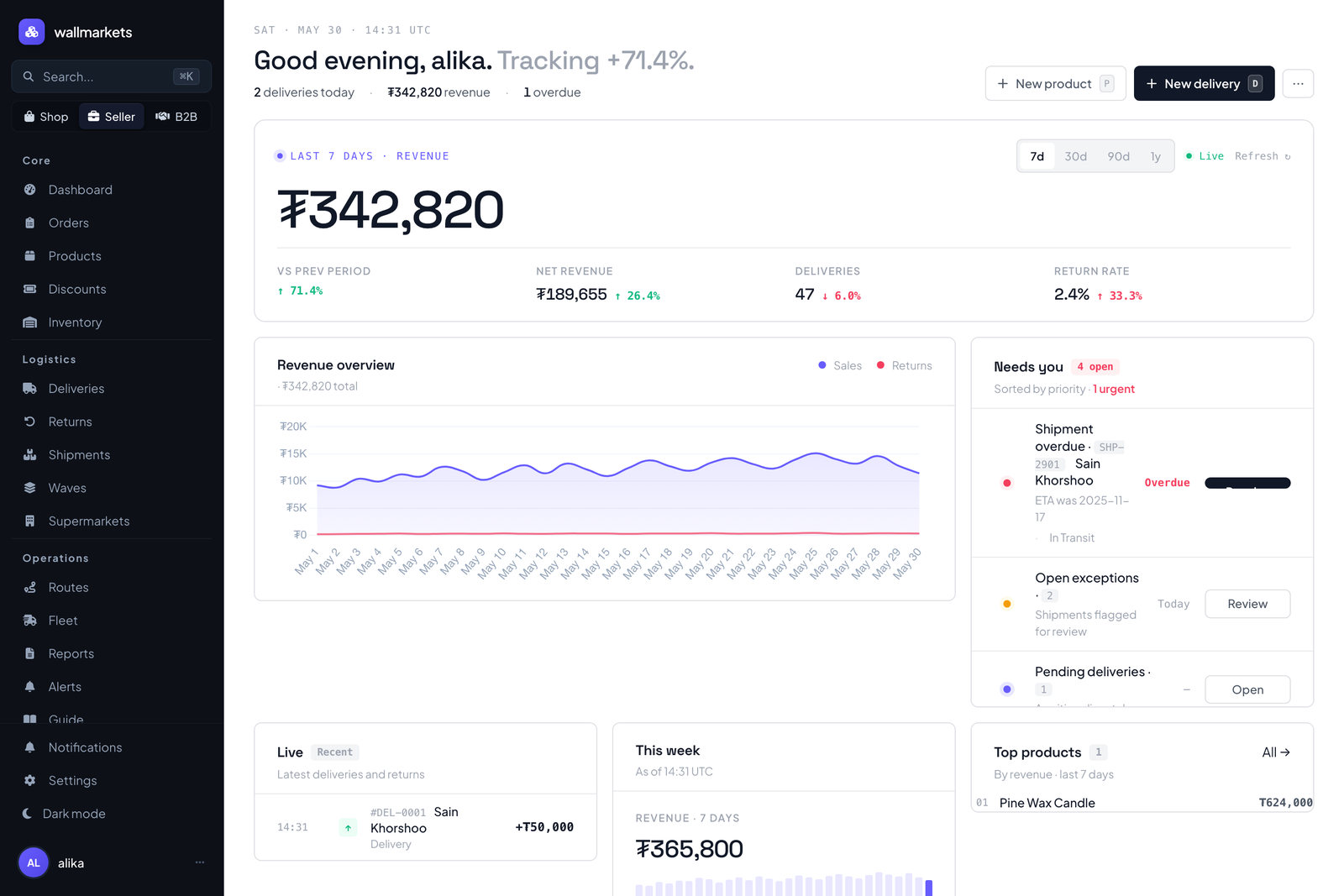
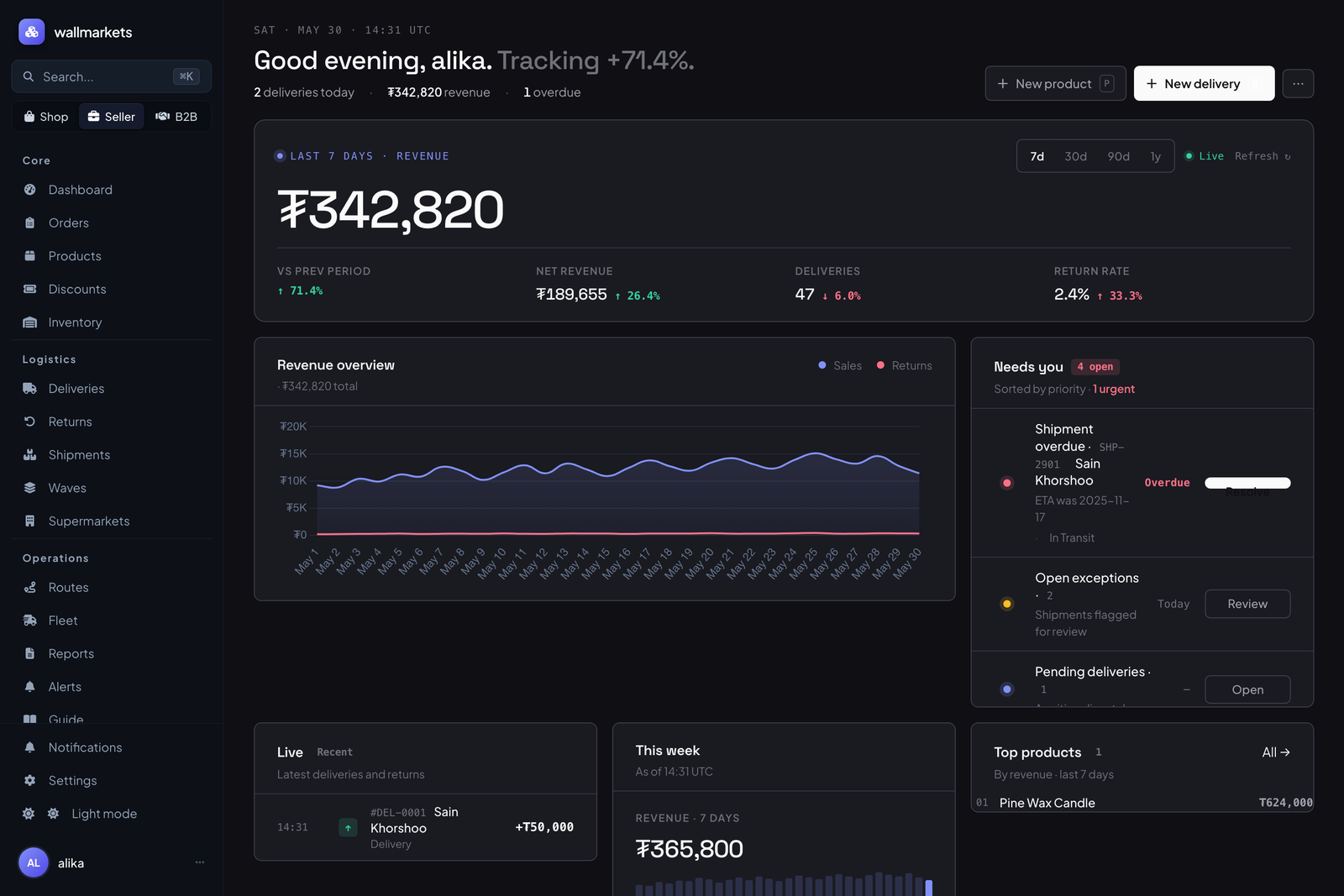
Keep products, quantities, customer details, order value, and delivery status together. Use the dashboard to review activity and find work that needs action.
See what has shipped, what is delayed, and where a delivery stands. Keep schedules and delivery context available to the people doing the work.
Connect returned goods to their original delivery, supermarket, and product so your team can review what came back and why.
03 / Your partner network
Suppliers and supermarkets can use partner workflows for stock requests, delivery schedules, and approvals.
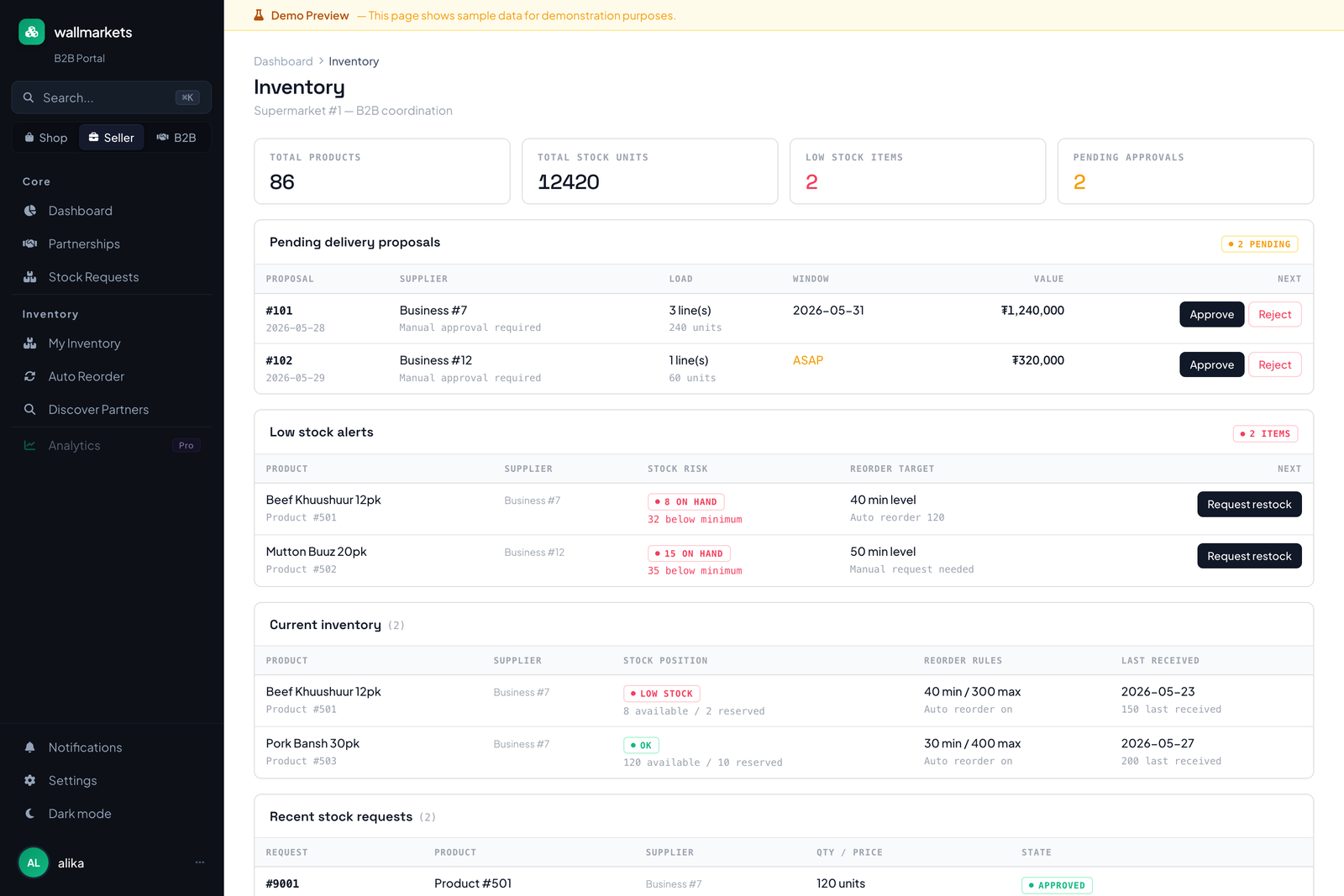
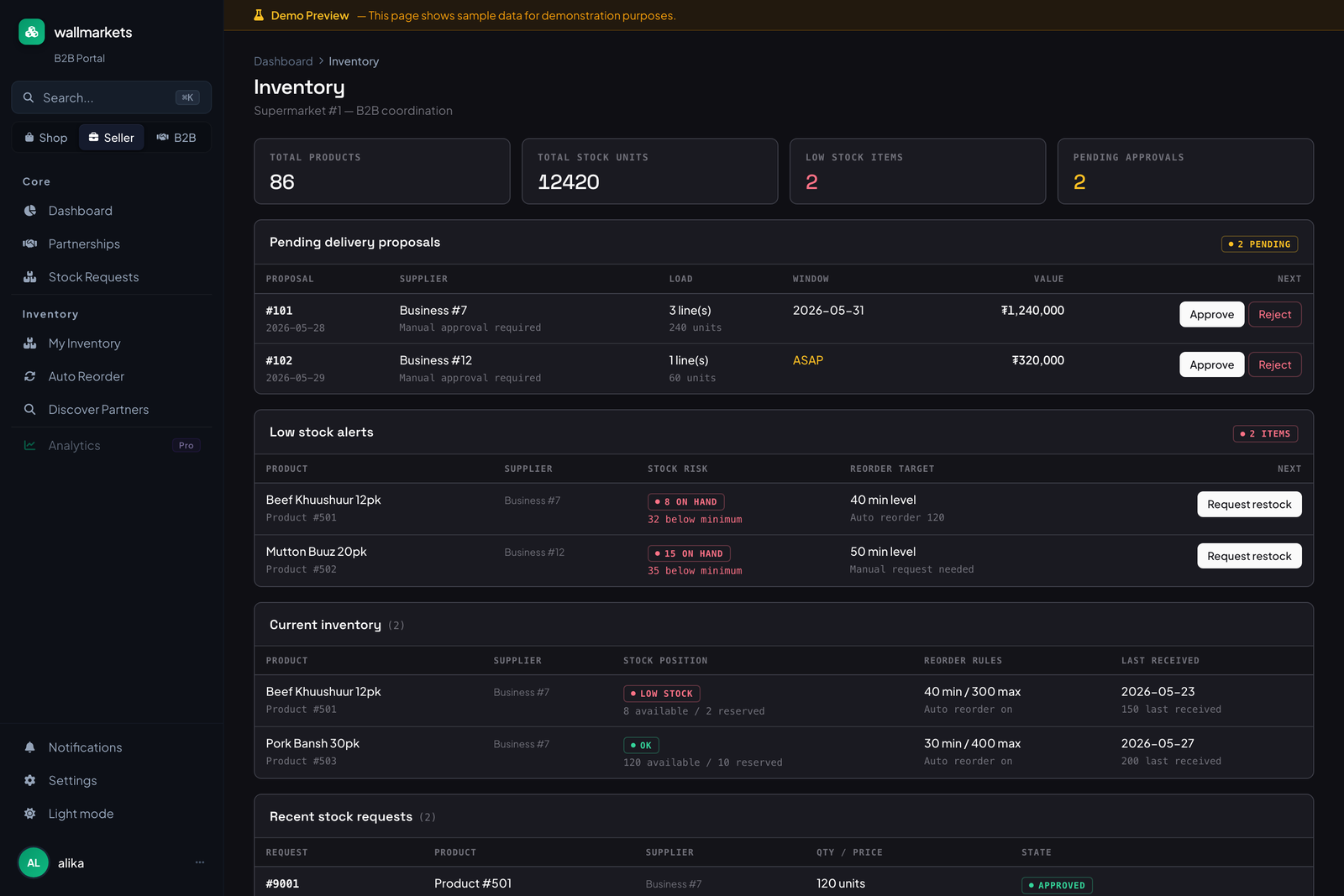
Keep supermarket partners, requests, schedules, and delivery context in one workspace so each request has a place to be followed up.
Use stock requests to coordinate what a partner needs and keep replenishment work connected to the business relationship.
Review requests and approvals alongside the partner information your team needs to decide what happens next.
04 / Getting started
Choose what brings you here.


Create your store, add products, and share your link.

Get started with partner requests and delivery workflows.
Get started with suppliers, stock requests, and approvals.
Just looking to shop? Browse products →
05 / A few useful answers
wallmarkets is free during open beta, with no credit card required. Pricing will be published before beta ends.
Start with your storefront and orders. Explore delivery, returns, and partner workflows when they are useful to your business.
Create an account, set up your store, and add your products, photos, prices, and stock. Then share your store link with customers.
The product is still evolving. Early businesses can try it free, share feedback, and talk directly to the team about what they need.
Tell us about your business and what you want to do. Contact the team →
Your next step
Free during beta · No credit card required